VIN scanning & decoding
Start with the right vehicle. Decoded identity and specifications establish the context before photos and notes enter the record. Manual VIN entry is available too.
By Nulane Systems
Vehicle damage documentation
Scan the VIN. Capture damage with AIAG-aligned fields. Let DocuDent bring the photos, splat chart, and signature into a finished report—ready to share, without rebuilding the inspection at a desk.

Built for a reviewable record
Disconnected photos and partial forms leave reviewers piecing the inspection together. DocuDent captures vehicle identity, condition, and accountability as one structured record while the inspector is with the vehicle.
Start with the right vehicle. Decoded identity and specifications establish the context before photos and notes enter the record. Manual VIN entry is available too.
Searchable part selection and required area, damage type, and severity fields give inspectors a consistent way to describe what they find.
Keep evidence attached to its damage entry. Inspector identity and signature travel with the record, so reviewers can see what was documented and by whom.
The completed report bundles vehicle details, damage entries, a splat chart, photos, and signature. It is emailed to the submitter and retained in the backend.
The damage, at a glance
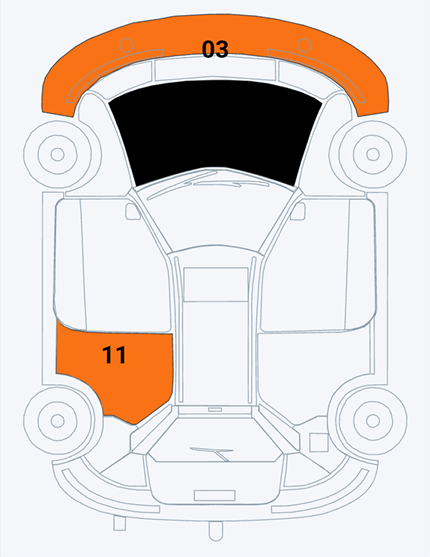
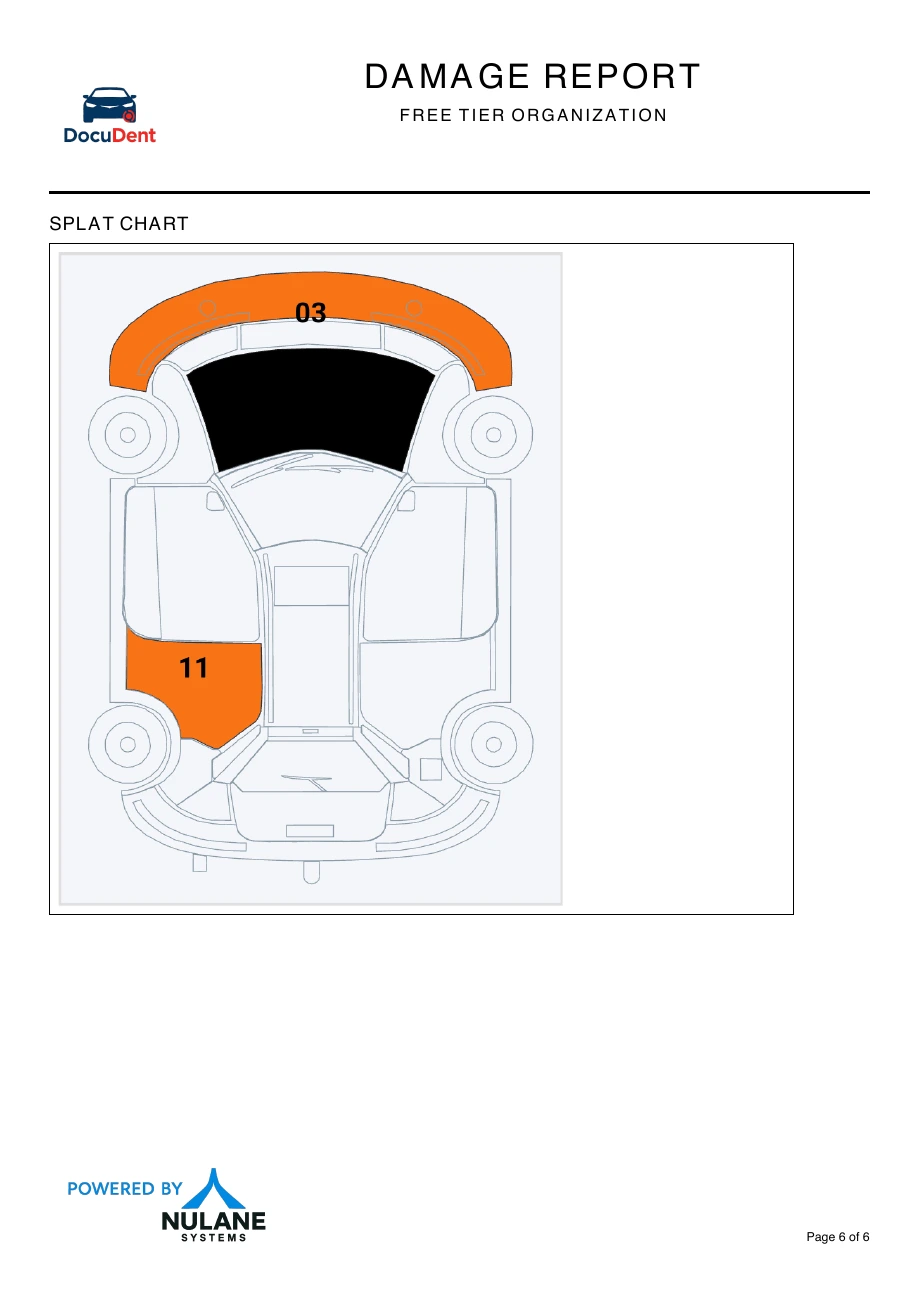
The color-coded splat chart shows damage location and severity alongside the structured entries. A reviewer can orient themselves on the vehicle before moving into the supporting photos.
Searchable part selection identifies the affected area.
A structured damage description keeps entries comparable.
The selected severity stays attached to the damage record.
Follow the evidence
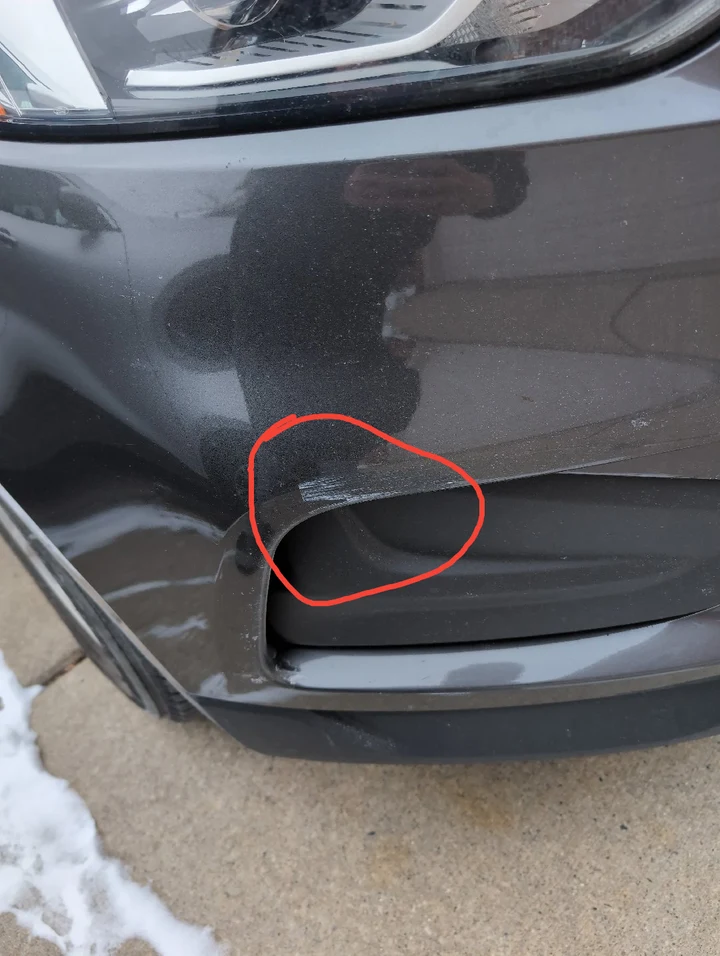
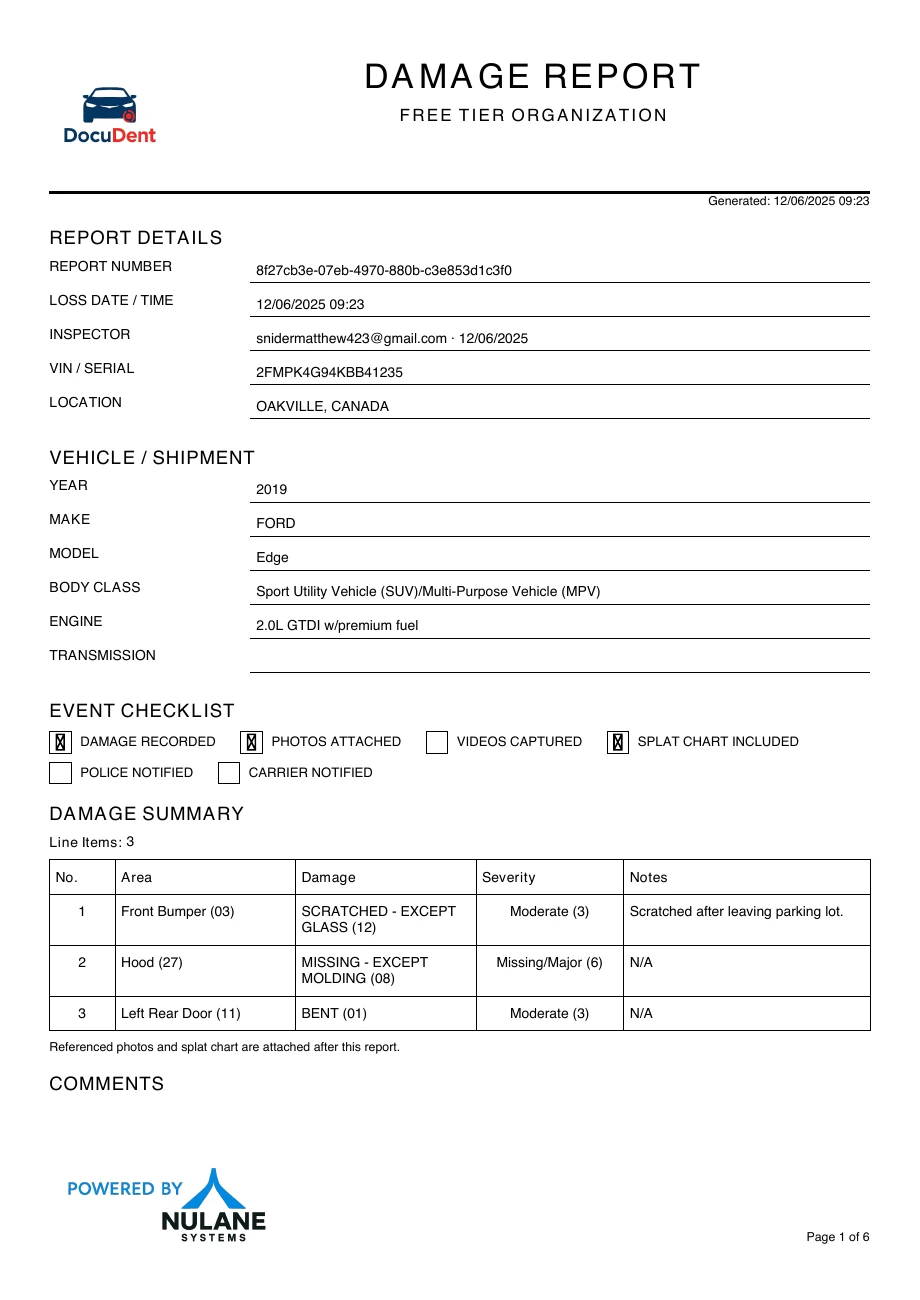
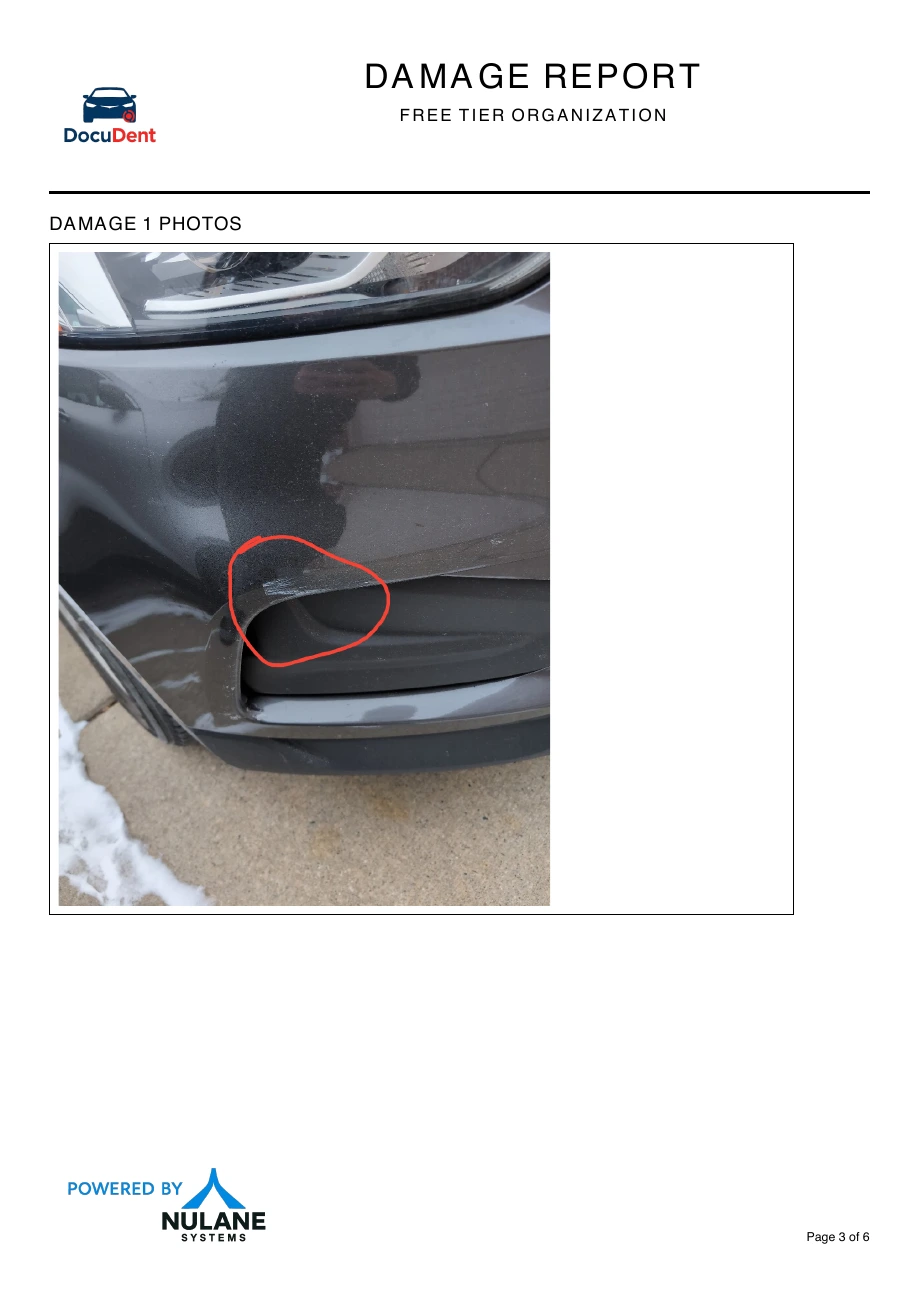
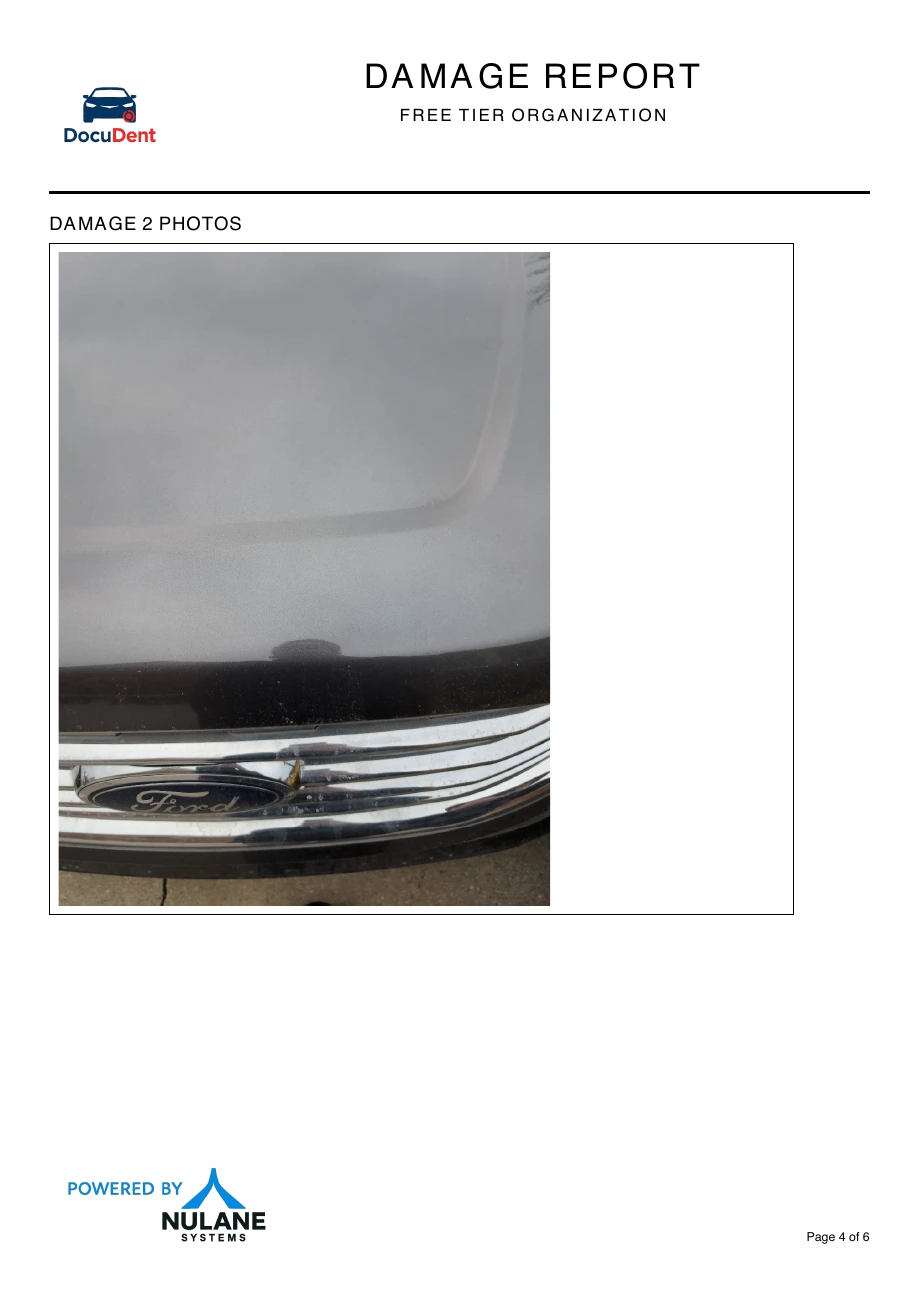
Follow the front bumper entry in the actual sample: area 03 on the chart, the marked scratch in its photograph, and the same damage entry in the completed report.
01 / Locate
The chart locates the front bumper as area 03. The report records the damage type and severity with that area.
02 / Support
The attached photo makes the scratch visible. This exact photograph accompanies damage entry 1 in the sample report.
03 / Deliver
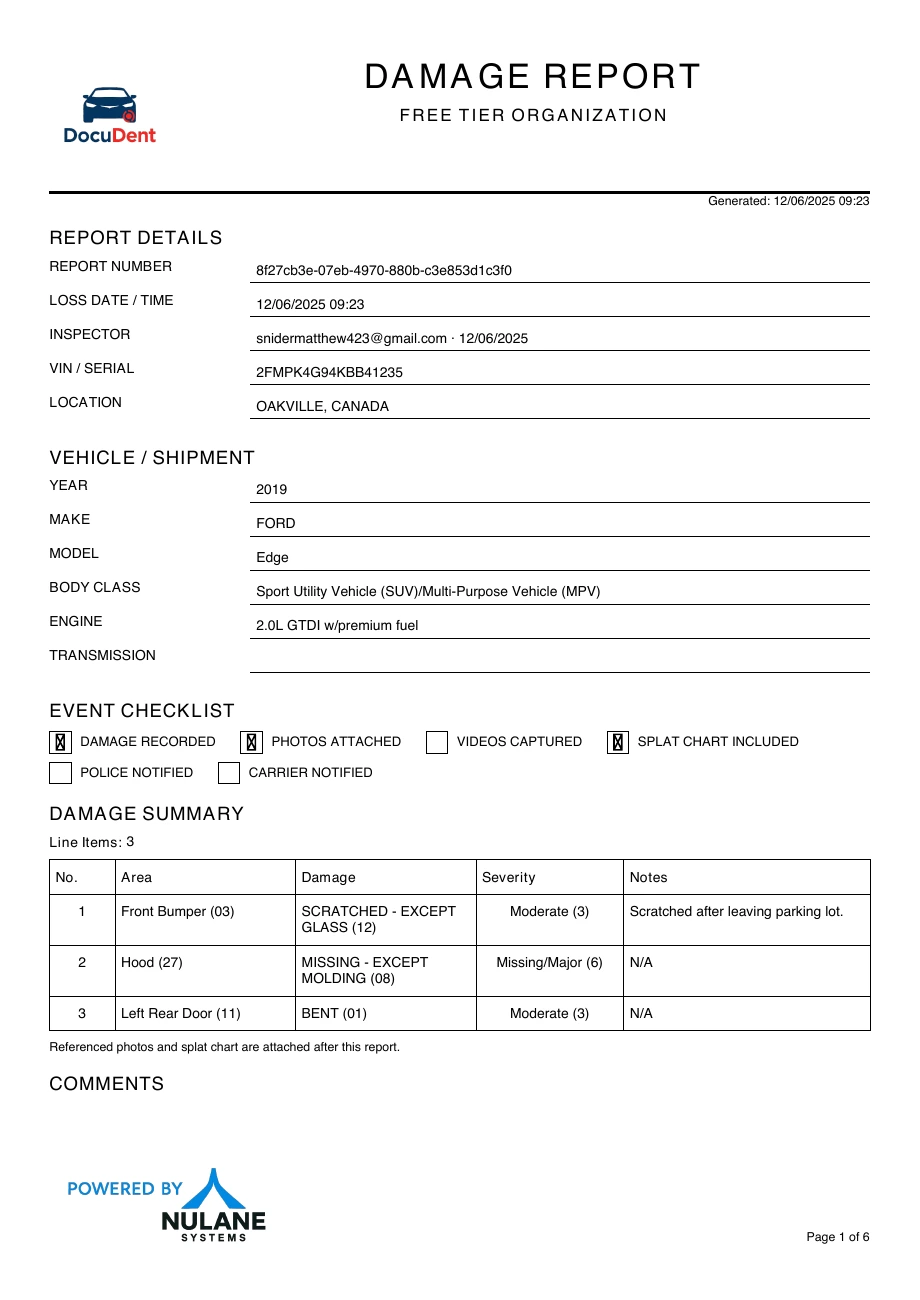
The finished report brings the structured entry, photograph, inspector details, and chart into the same document.
Read the full example ↓The actual output
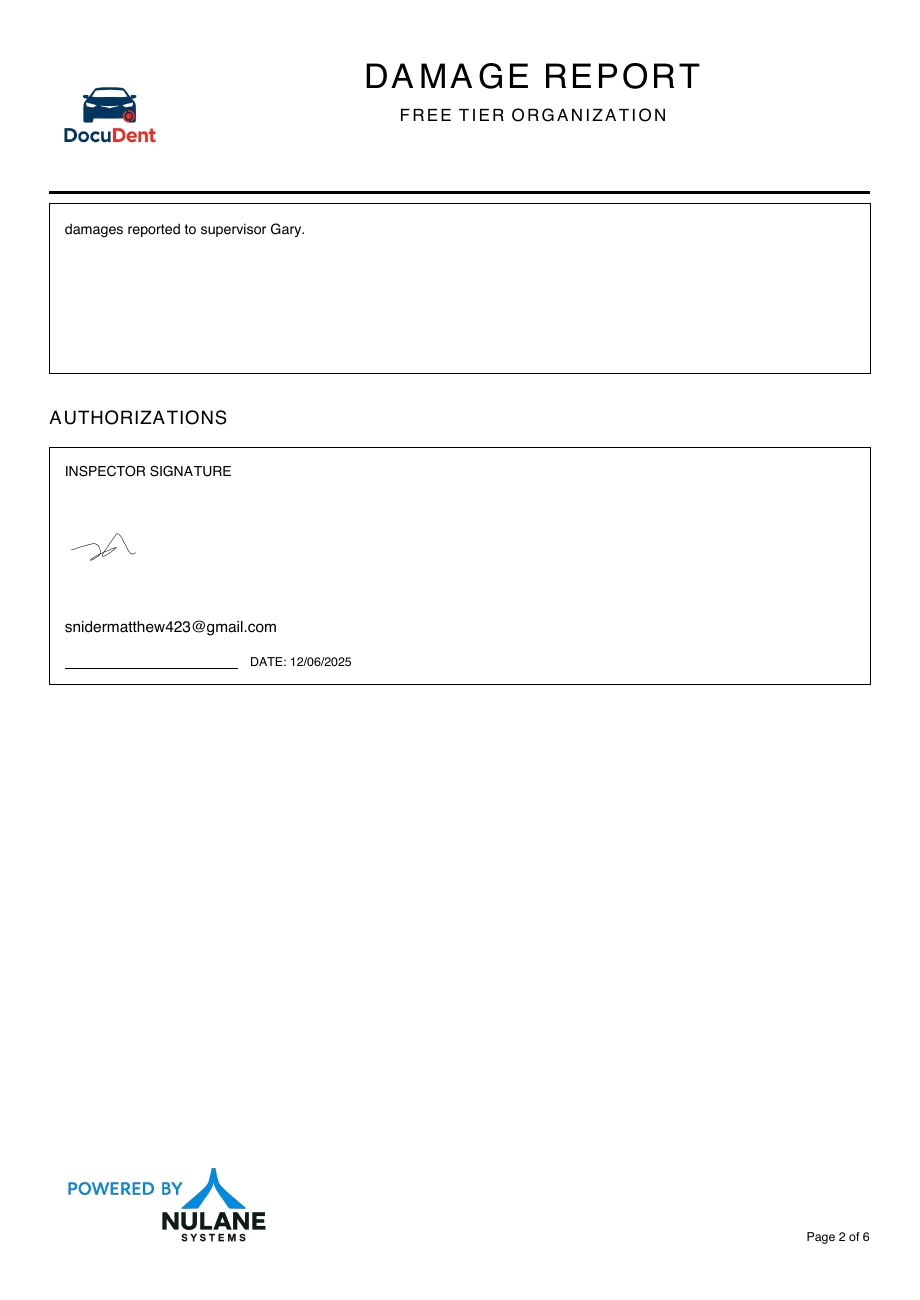
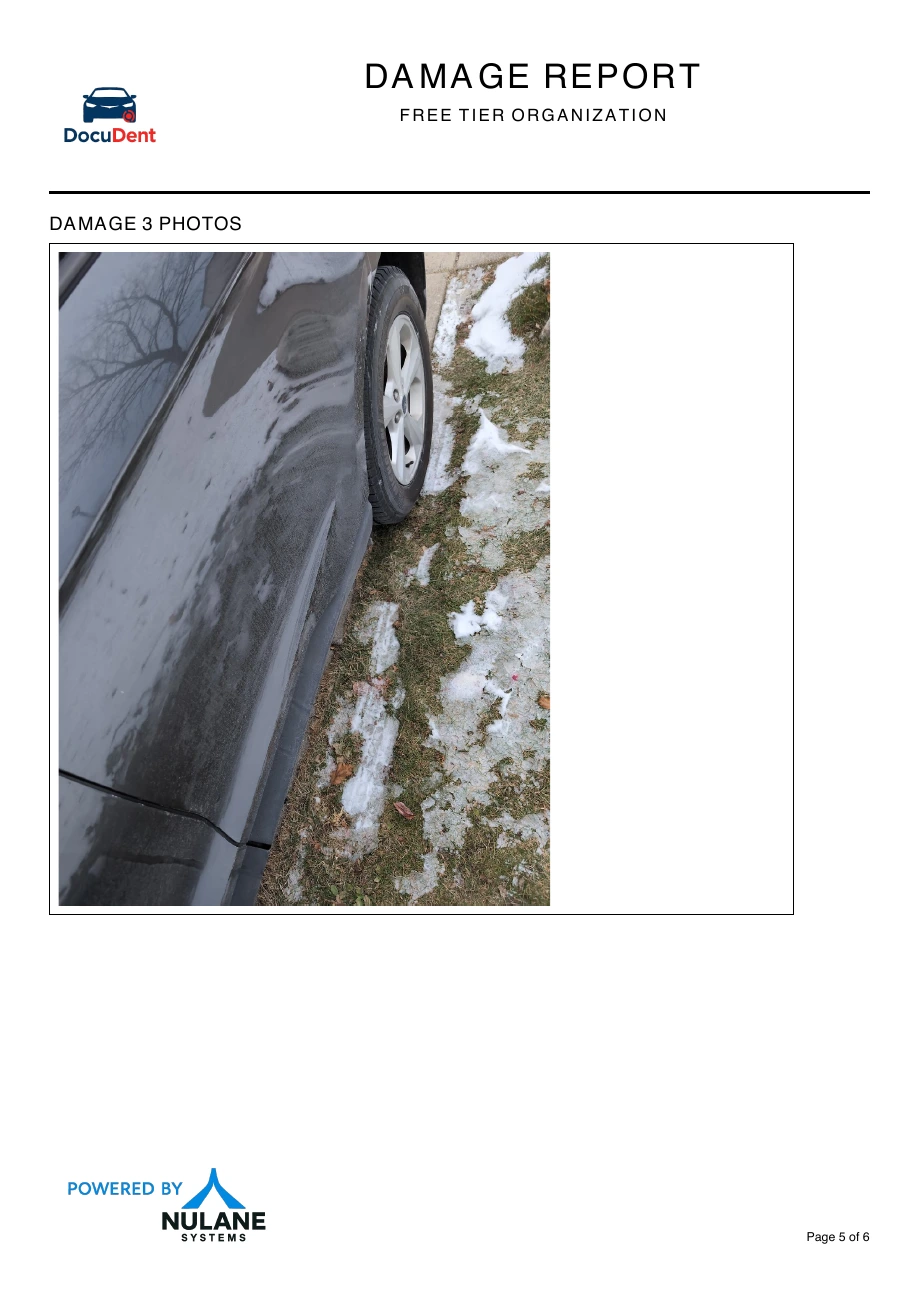
Vehicle details, damage entries, signature, photographs, and the splat chart. Scroll through the original sample below. DocuDent assembles and emails the finished report, with the same structured payload retained in the backend.
The management view
Find a report, compare its severity and status, and review the attached evidence without losing your place in the list. This sanitized deployment example shows the report-management workflow, with identifying values replaced.
Explore the dashboard examples →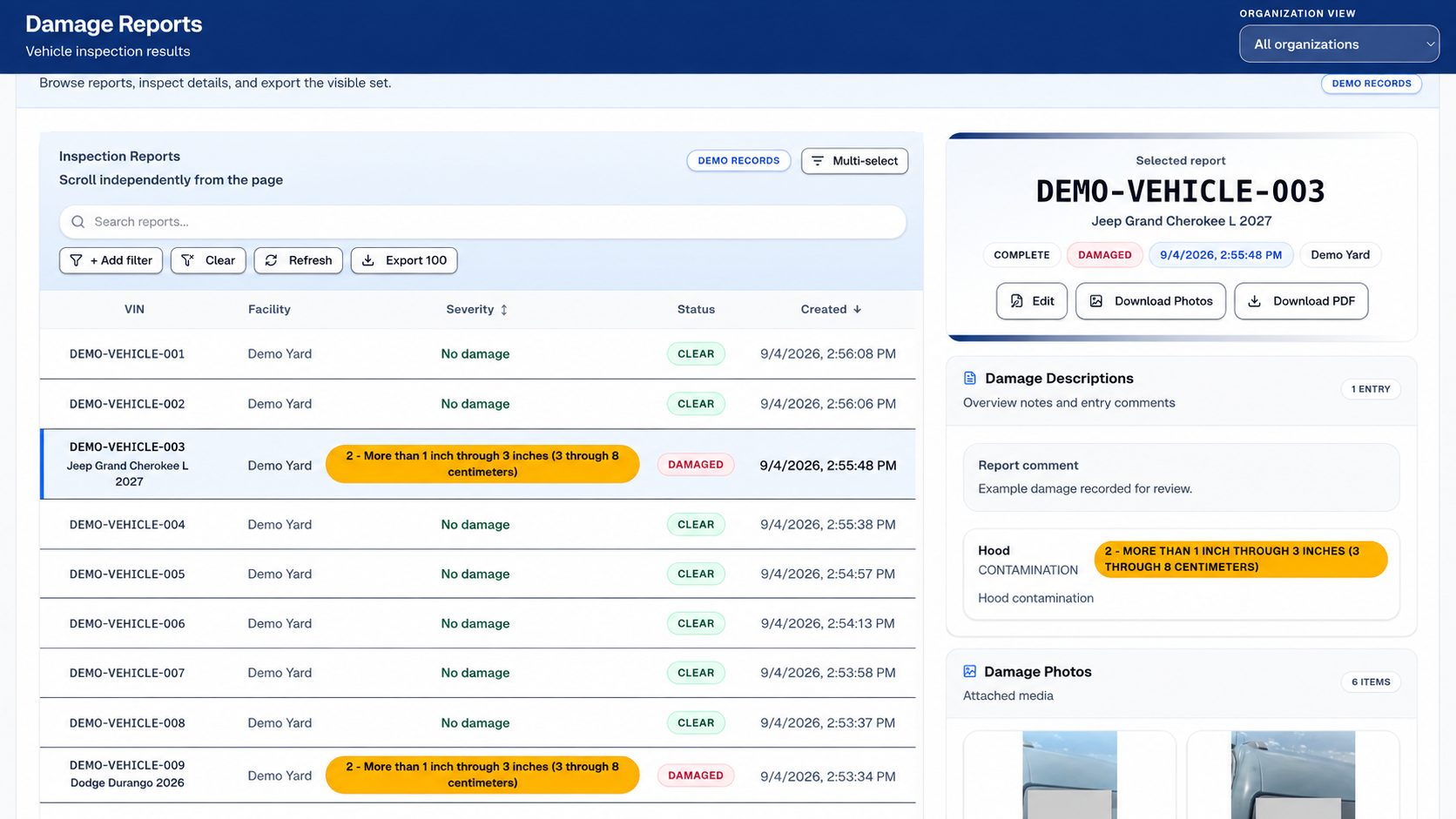
Search, filter, and sort the inspection list.
Read the selected damage entry and supporting photos.
Download the photos or PDF for the next handoff.
Enterprise control & governance
The stored report payload mirrors the submitted report, keeping archival and downstream integrations connected to the same record.
Control who can view or approve inspections. Define access around your organization’s teams and review responsibilities.
Connect structured damage payloads to other systems. Your technical team can work with the same data used in the report.
Optional enterprise branding carries your organization’s identity into the app and reports. Configuration scope is agreed before rollout.
Let’s look at the work
Bring your current process. We’ll walk through the product, the handoffs, and the configuration your team would need.